AI in plantation ERP: from invoice entry to month-end closing
Plantation management needs more than transaction records. Managers must understand costs, field output, mill performance, and documents awaiting decisions. With these processes connected in ERP, AI assistance can help teams interpret information, focus their reviews, and prepare follow-up actions. Its value comes from supporting everyday work, from data entry through period closing.
Connected ERP provides the foundation
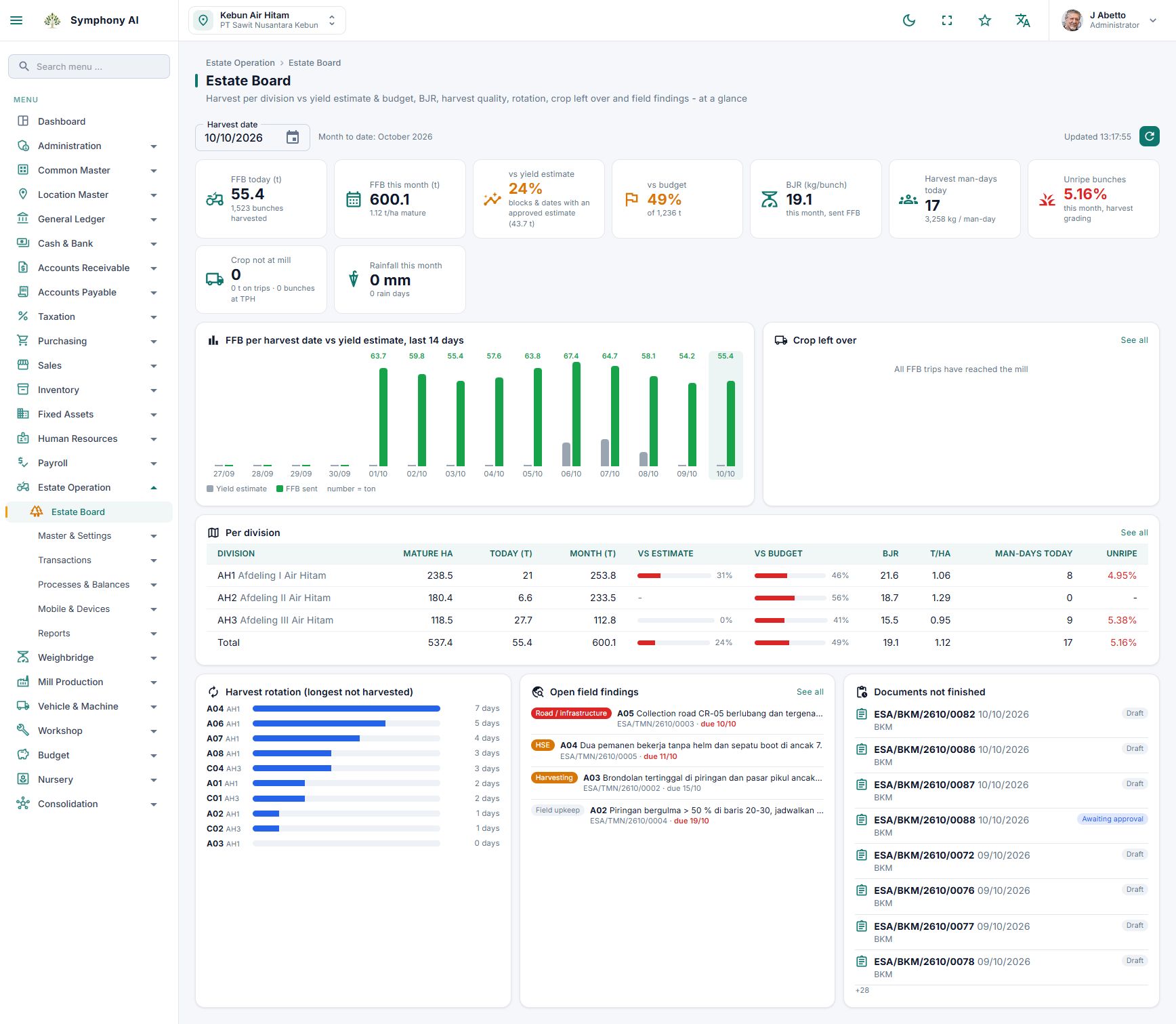
Estate work, procurement, inventory usage, payroll, sales, and mill operations contribute to operational and financial information. Symphony connects these processes with vehicles, workshops, GIS, and mobile apps. AI helps users understand information within their access permissions. Useful explanations still depend on consistent master data, the correct reporting period, reviewed transactions, and clear responsibilities. AI does not replace reliable records at their source.
1. Accelerate invoice entry from photos or PDFs
AI can read supplier invoices from photos or PDFs and help populate purchase invoice forms. Users review suppliers, dates, purchase order references, line items, taxes, and totals instead of typing everything from scratch. For a workshop spare-parts invoice, the extracted fields become a starting point to compare with the original invoice and related transactions. Clear, complete images improve readability. Users still correct errors and save the document.
2. Focus checks on items that need attention
Long transaction lists can make review priorities difficult to identify. Symphony uses configured rules to flag conditions requiring attention, while AI helps explain findings and follow-up questions. Examples include fuel ratios, weighbridge tare differences, and purchase prices, depending on enabled rules. A finding is not automatic proof of an error or fraud. Review the operational context and source documents before deciding what action is needed. Rule-based checks and AI explanations have different roles.
3. Add context before approval
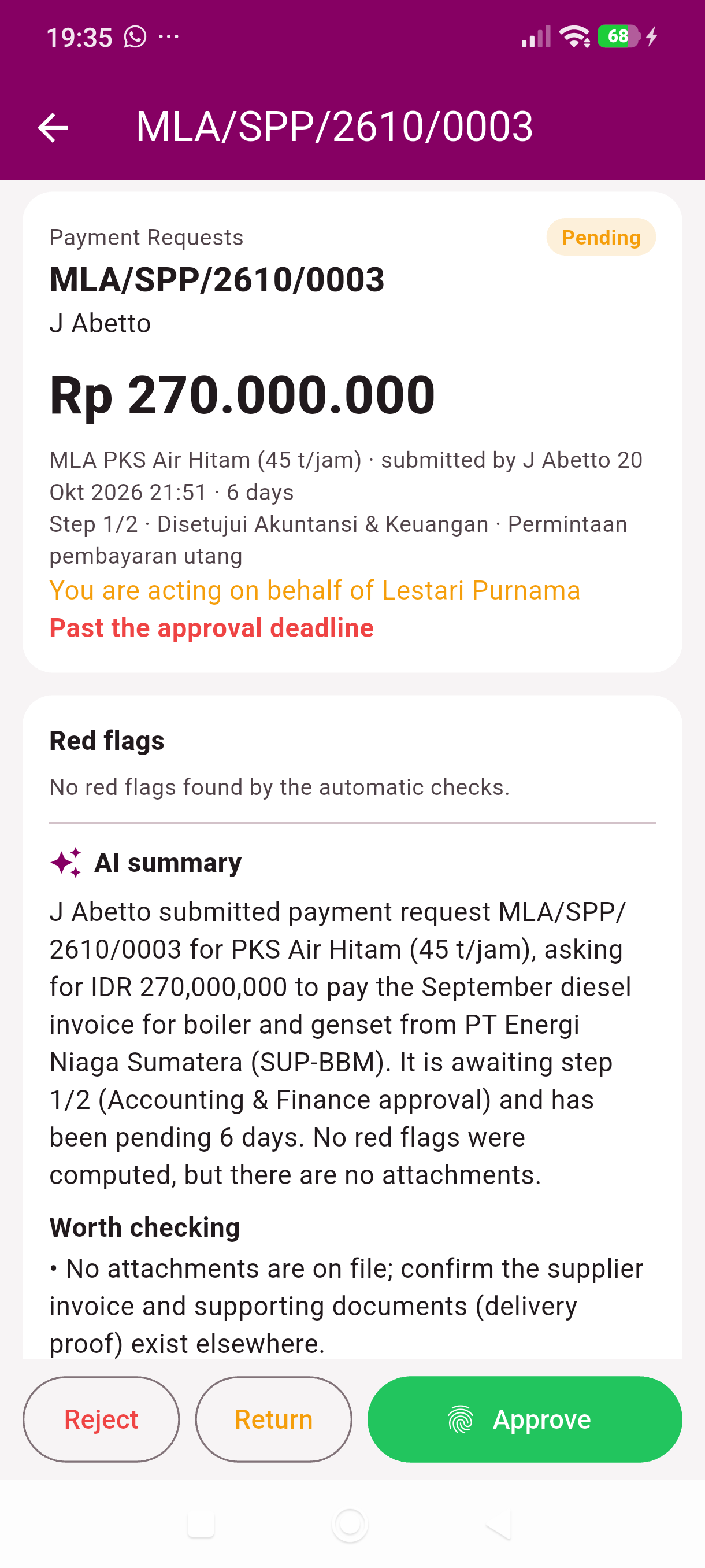
Approvers need to understand the transaction purpose, amount, supporting documents, and open questions. Summarize with AI provides a document summary, items worth checking, and questions for the requester. For a payment request, an approver can read the summary and then review the supplier invoice and supporting evidence. This assistance is also available in InSight on a phone. AI does not approve documents: authorised users still decide whether to approve, return, or reject them.
4. Explain reports in everyday language
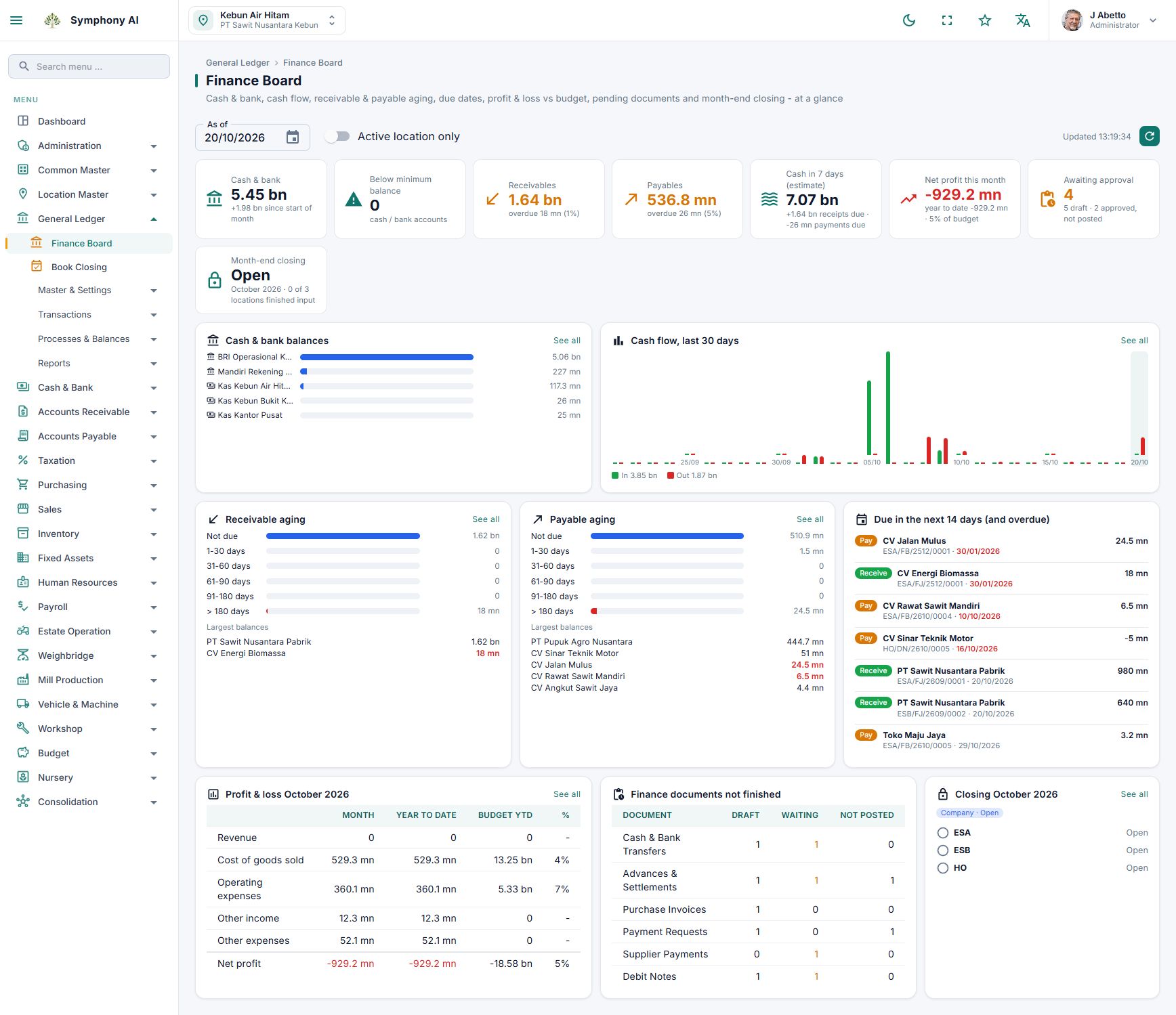
Production, costs against budget, cash balances, payable ageing, and financial reports need context. AI assistance can provide concise explanations, highlight variances, and suggest what to investigate. Users can ask everyday-language questions, such as which estate costs exceeded budget for a particular location and month. Check the reporting period, units, and location scope. Suggested causes are investigation leads, not established conclusions. Verify official figures in the source reports.
5. Guide month-end follow-up
Period closing depends on transaction readiness and system checks. Symphony AI explains available check results as follow-up steps and relevant menus, helping teams understand which issues need attention. It does not rerun checks, post transactions, or close periods on a user’s behalf. Authorised staff still perform the closing process after system requirements are satisfied.
6. Support troubleshooting when work is interrupted
Error messages may need additional context before a user knows what to do. The Why? button helps explain messages, possible causes, and corrective steps using the application guide. Users can review their entries or follow relevant guidance before contacting an administrator. If an issue persists, record the message, time, and actions taken so support can investigate. AI assistance does not mean that data or configuration is repaired automatically.
Bring management priorities to the phone
InSight provides Morning Briefing, an AI assistant for data questions, and approval summaries. The briefing helps managers review yesterday’s production, cash, costs against budget, and pending approvals. AI requires connectivity, activation, and available company quota. Offline recording in the field app is a separate capability; it does not mean every AI service works without internet access.
Start with a workflow that needs support
Choose a time-consuming process such as invoice entry, approval review, or cost-report interpretation. Compare AI output with original documents and reports, record corrections, and assign responsibility for reviewing results. Evaluate permissions and company data policies: questions, context, relevant report results, or invoice files may be sent to an AI provider for processing. A demonstration using representative scenarios helps assess suitability without relying on unmeasured savings claims.
Take this to your next review
- Test photo/PDF invoices against original documents.
- Compare approval summaries with requests and attachments.
- Verify locations, reporting periods, and figures in explanations.
- Check closing recommendations against system check results.
- Agree access, data use, activation, quota, and review responsibilities.
A common question
Can AI replace management review and decisions?
No. AI helps read, summarize, and explain information. Source verification, corrections, saving, approval, posting, and period closing remain the responsibility of authorised users. AI output can be incorrect and needs review.
Review the product screens and discuss how the workflow fits your organisation. Availability and integrations follow the agreed implementation scope.
View product details →