How to choose plantation ERP software
A plantation ERP should help management trace operational results back to the work, materials and transactions behind them. Start your evaluation with a complete business scenario, rather than a long list of modules. The important question is whether your team can follow the same information from the estate to the finance office.
Start with the decisions management needs
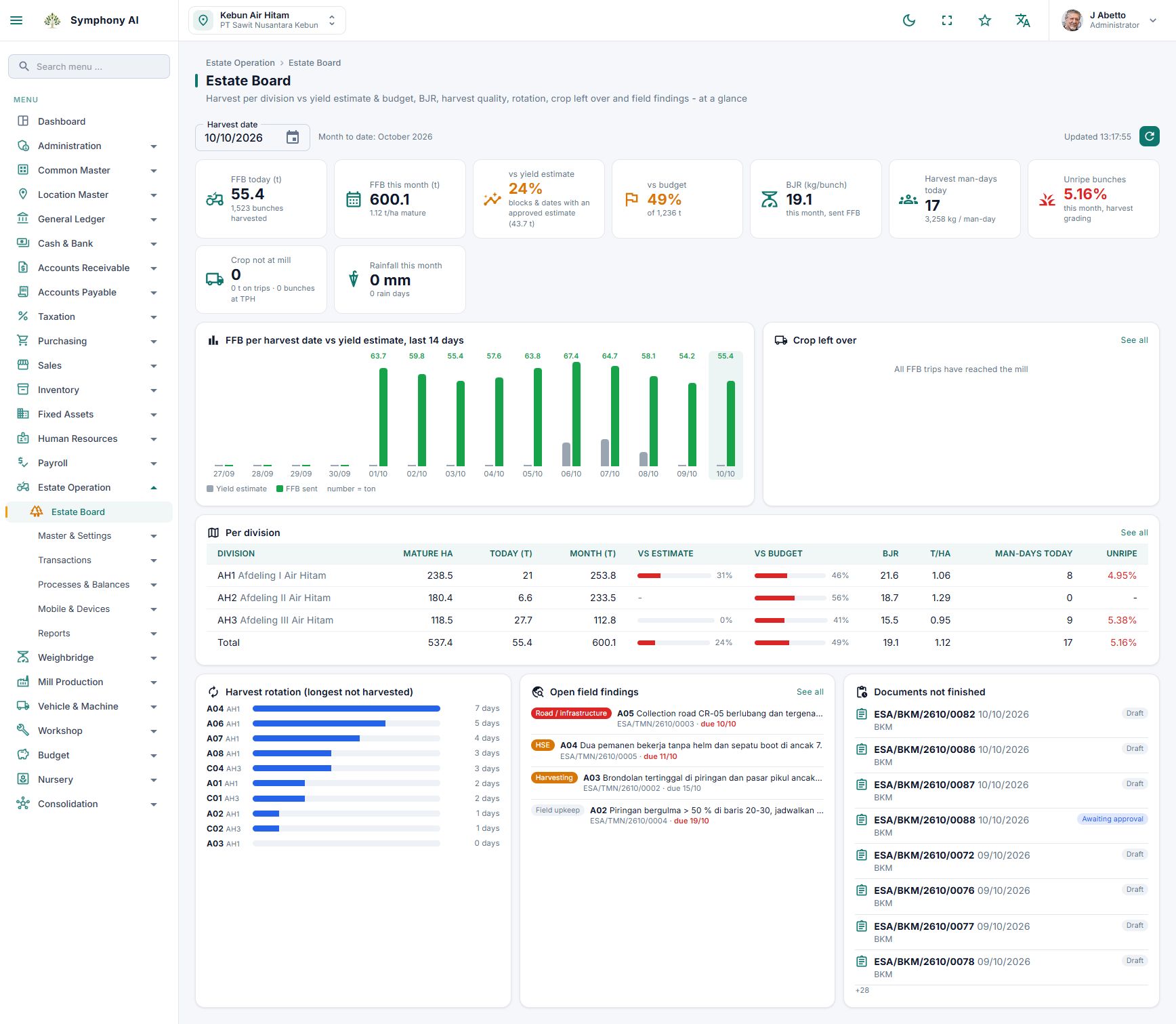
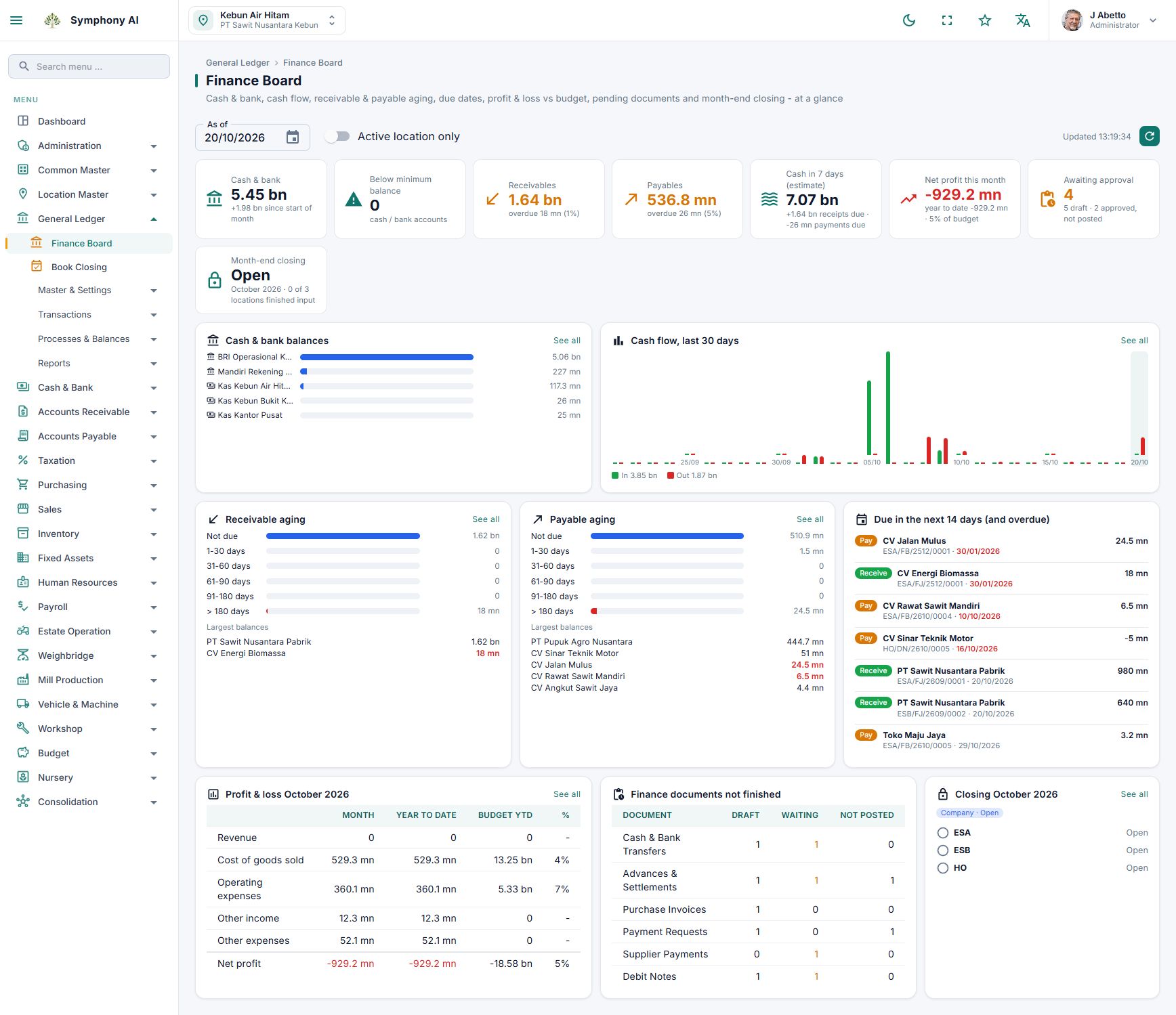
Write down the questions your directors and estate managers ask every week. Which locations are behind plan? Which activities consume more resources than expected? Which documents still need approval? Turn these questions into a shortlist of reports and the source records each report needs. A dashboard is useful only when its figures can be explained.
Demonstrate one transaction from beginning to end
Use a representative example: an upkeep activity requiring workers and materials. Ask the vendor to show the field record, its review, material usage and the resulting cost information. Then introduce a correction or a rejected document. Check who can change it, what must be approved again and how the revised information appears in reports. Confirm the actual posting rules instead of assuming every operational entry creates a journal automatically.
Evaluate the boundaries between modules
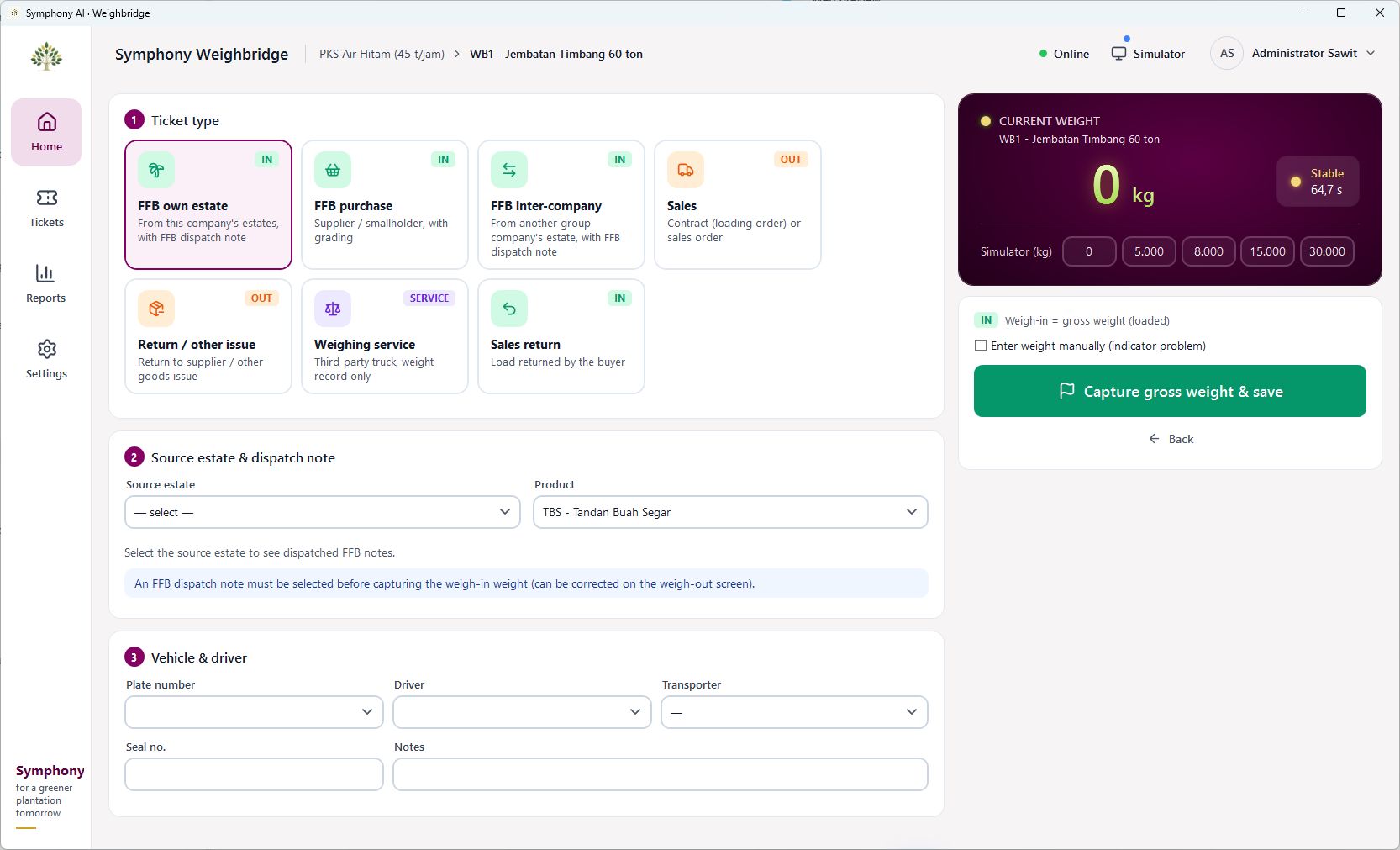
Review accounts payable, accounts receivable, general ledger, cash and bank, purchasing and inventory together. Match estate, block, activity and cost-centre definitions to your accounting structure. Where a mill or weighbridge is involved, agree which system owns the original transaction and how references are preserved between systems. These details matter more than having similar-looking screens.
Test field conditions and permissions
Include a location with weak connectivity, a supervisor who approves work and a finance user who closes a period. Identify exactly which mobile workflows support offline recording and how records are reviewed after synchronisation. Test access by company and location, including what each role is allowed to see and approve.
Make implementation part of the selection
Prepare a sample of your master data, opening balances, approval limits and reporting requirements. Agree on migration responsibilities, training, pilot acceptance and support. A smaller pilot with clear acceptance criteria is easier to assess than a promise to activate every module at once. Symphony combines ERP, plantation operations, mill management, HR and payroll, GIS and mobile applications; the implementation scope should still be agreed around your organisation’s processes.
Take this to your next review
- Bring one complete field-to-finance scenario to the demonstration.
- Ask how corrections, rejected records and period closing are handled.
- Confirm supported offline workflows and integration boundaries.
- Agree on pilot users, master data, acceptance criteria and support.
A common question
Should every module go live at the same time?
Not necessarily. Start with the process that has a clear owner, usable data and a measurable acceptance test. Expand after the pilot team can complete the agreed workflow reliably.
Review the product screens and discuss how the workflow fits your organisation. Availability and integrations follow the agreed implementation scope.
View product details →